> For the complete documentation index, see [llms.txt](https://docs.besmart.software/llms.txt). Markdown versions of documentation pages are available by appending `.md` to page URLs; this page is available as [Markdown](https://docs.besmart.software/design-data-management-and-exchange/cnc-exporters/cnc-metal-exporter/cnc-exporter-cloud/modify-cnc-configuration-settings.md).
# Modify CNC Configuration Settings
## Introduction
Be.Smart CNC Exporter Cloud has several predefined CNC export configurations that export CNC files for [different Metal CNC machines](https://docs.besmart.software/design-data-management-and-exchange/cnc-exporters/metal/introduction) including **Arkitech**, **Howick, Knudson,** **Metroll**, **Pinnacle**, **Royal C.N.C.** and **Scottsdale**.
Default CNC configurations cannot be modified. However, their duplicates can be.
After duplicating a selected default configuration, users can modify specific configuration settings, including **CNC Command code**, **dimensions to Start and end**, **tolerance**, **length** and other settings.
## Duplicate chosen CNC configuration
Before modifying settings, users must duplicate a chosen default CNC configuration.
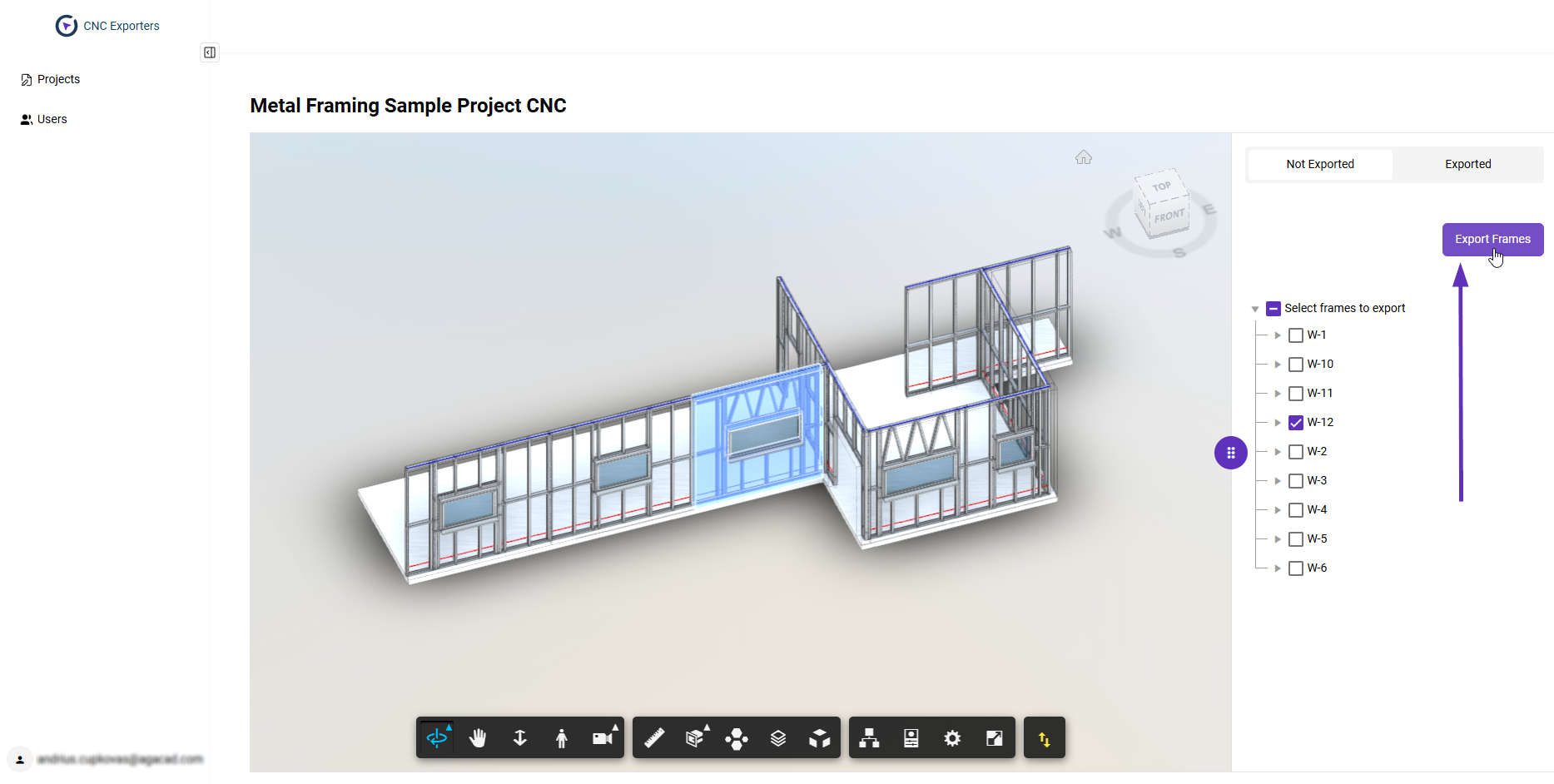
First, select a frame for export and then click **Export Frames**:
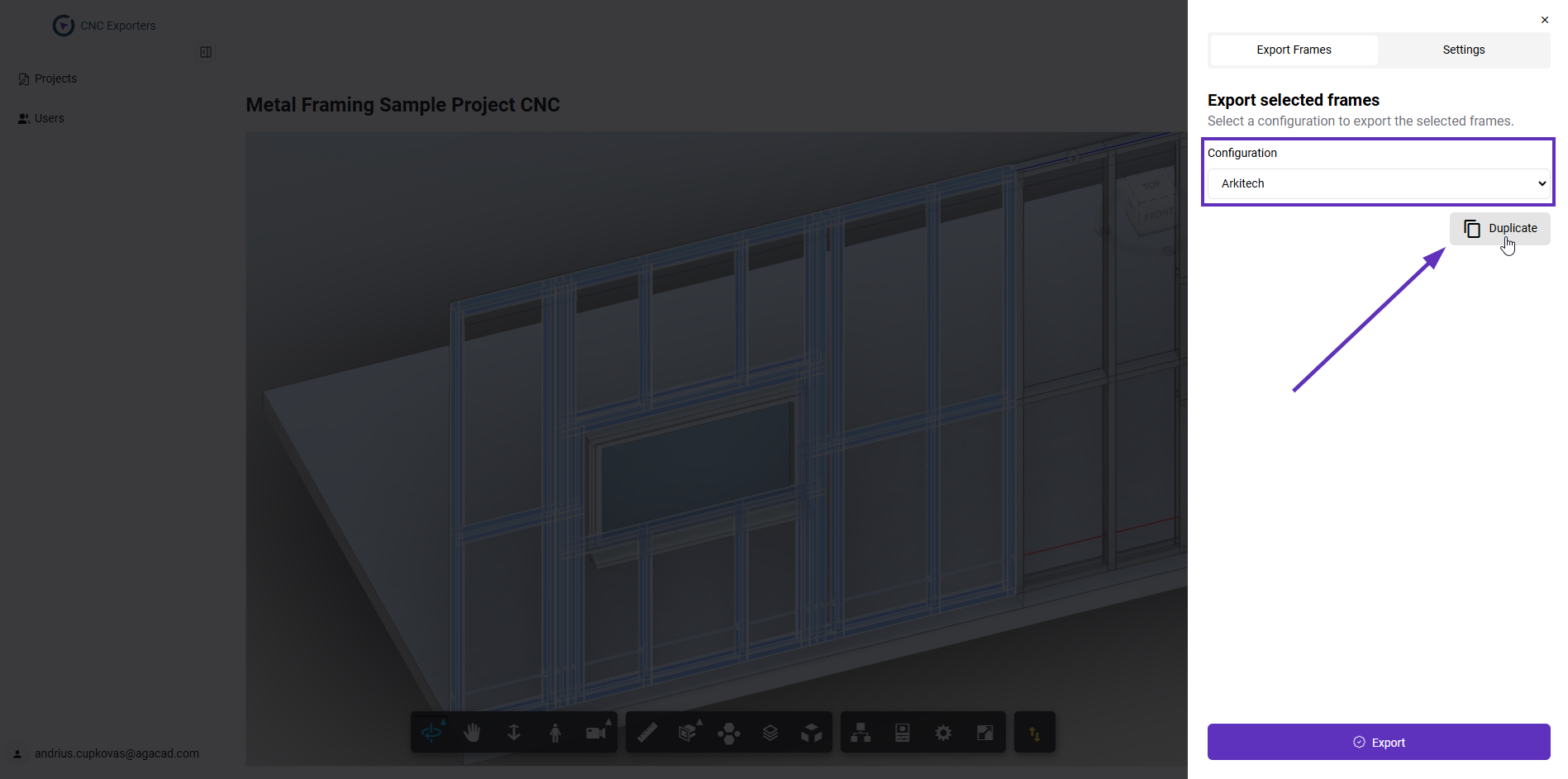
Then, after choosing a default configuration, click **Duplicate**:
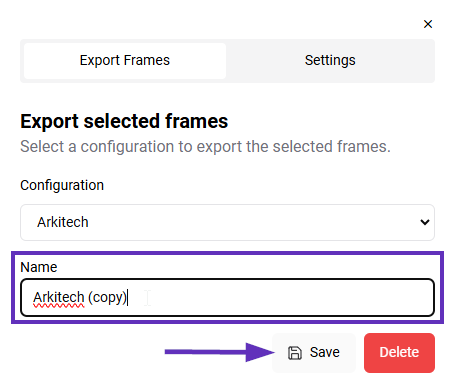
If you wish, you can rename the duplicated configuration and click **Save**:
## Modify settings
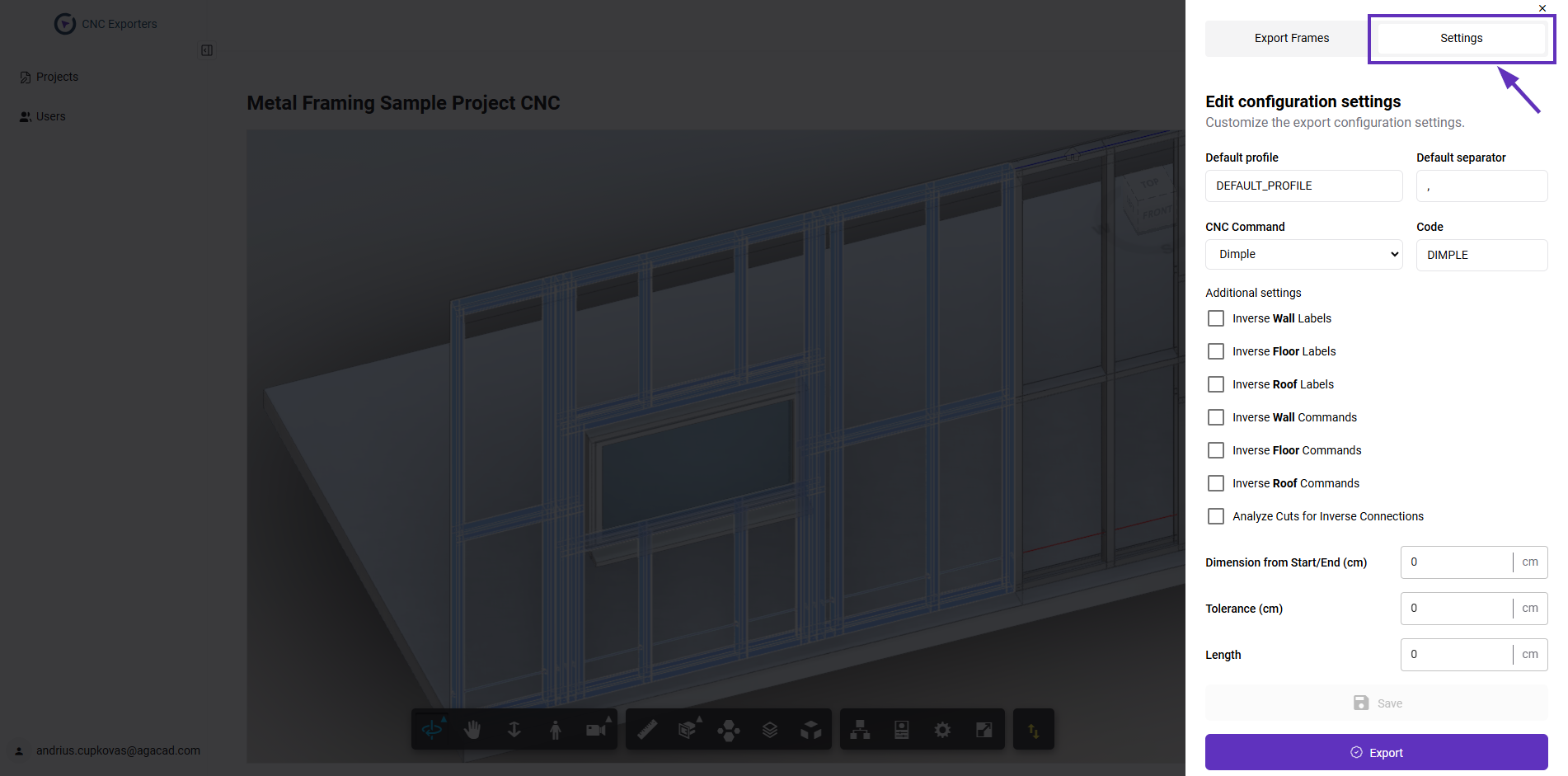
Switch to the **Settings** tab at the top of the export dialogue to modify CNC configuration settings:
Some CNC configurations have similar settings, while others have unique sets.
### CNC Command and Code
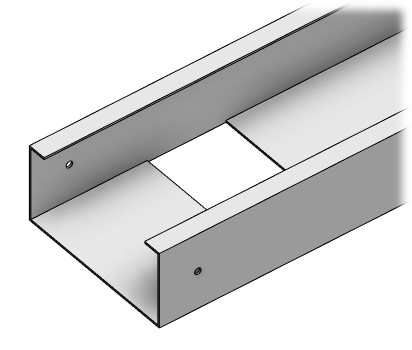
**CNC Command** represents **a punching feature of the CNC machine**. Some CNC machines share the same commands (for example, Notch) although most have a different number and type of punches.
Notch
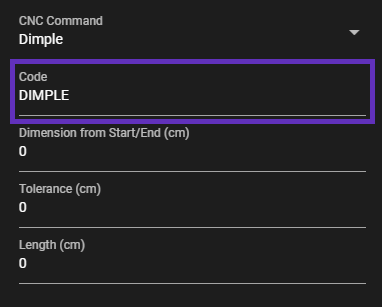
**Code** is the **name of a CNC command** exported to the CNC production file. The names of the same commands may vary in different CNC machines (for example, "Notch", "Web Notch", etc):
Most CNC machines have varying flexibility in the CNC command positioning and repetition. The CNC Exporter Cloud controls the command names for **fixed** CNC commands:
CNC commands that need to appear in **specific** locations (for example Service hole).
**FIXED CNC COMMANDS**
Arkitech, Howick and Pinnacle:
* Dimple
* Swage
* Lip cut
* Notch
* Truss end
Metroll (C+U):
* Dimple
* Notch
* Straight cut
Metroll (C+C):
* Straight cut
Metroll (C+C):
* Straight cut
Royal:
* Dimple
* Notch
Scotsim:
* Straight Cut
Knudson:
* Dimple
* Notch
You can find out more about the most popular metal CNC commands [here](https://docs.agacad.com/design-data-management-and-exchange/cnc-exporters/metal/most-popular-cnc-commands).
**SPECIFIC CNC COMMANDS**
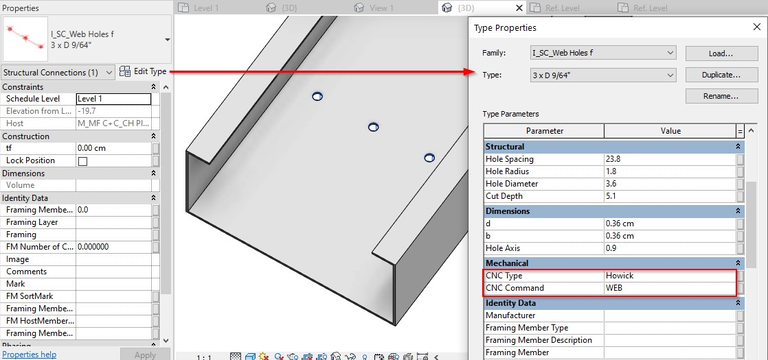
If you need additional commands for punches in specific frame locations (for example, service holes), you need to ensure that these punches are modeled inside the Revit project using Metal Framing.
Service holes can be added
Structural Connection families into Structural Framing elements in the Revit model before uploading the project to the cloud version:
Learn more about inserting Structural Framing families [here](https://docs.agacad.com/design-data-management-and-exchange/cnc-exporters/metal/adjust-detail-families-for-export).
Change the name of the selected command.
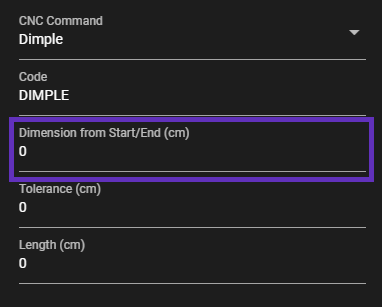
### Dimensions to Start/End
Defines the distance from the element start/end to the command.
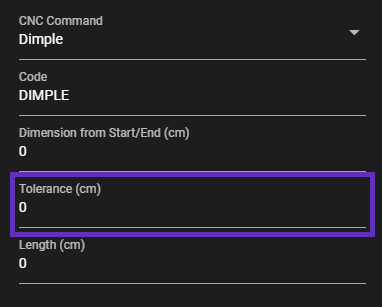
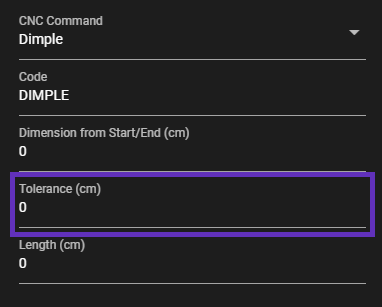
### Tolerance
Tolerance of the command.
### Length
Length of the command.
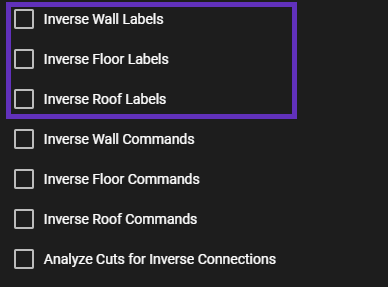
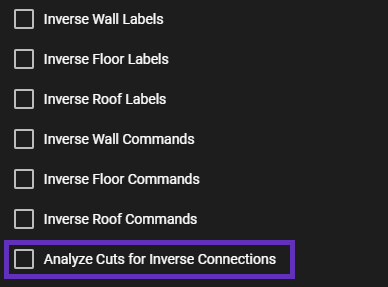
### Inverse Wall/Floor/Roof Label
Labels may be printed on the reverse side of the frame.
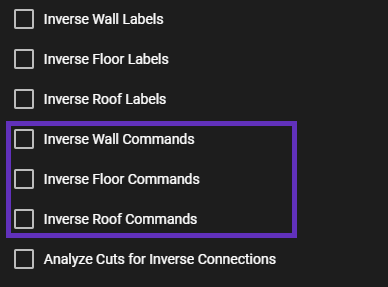
### Inverse Wall/Floor/Roof Command
Inverses commands in the exported CNC file.
### Analyze Cuts for Inverse Connections (Howick and Pinnacle)
When frames in the model have inverse connections (for example, plates cut studs), the button must be ticked in order to export the correct commands.
---
# Agent Instructions
This documentation is published with GitBook. GitBook is the documentation platform designed so that both humans and AI agents can read, navigate, and reason over technical content effectively. Learn more at gitbook.com.
## Querying This Documentation
If you need additional information that is not directly available in this page, you can query the documentation dynamically by asking a question.
Perform an HTTP GET request on the current page URL with the `ask` query parameter, and the optional `goal` query parameter:
```
GET https://docs.besmart.software/design-data-management-and-exchange/cnc-exporters/cnc-metal-exporter/cnc-exporter-cloud/modify-cnc-configuration-settings.md?ask=&goal=
```
`ask` is the immediate question: it should be specific, self-contained, and written in natural language.
`goal` is optional and describes the broader end goal you are ultimately trying to accomplish on behalf of the user. GitBook uses it to tailor the answer towards what is most useful for that goal.
The response will contain a direct answer to the question and relevant excerpts and sources from the documentation.
Use this mechanism when the answer is not explicitly present in the current page, you need clarification or additional context, or you want to retrieve related documentation sections.